
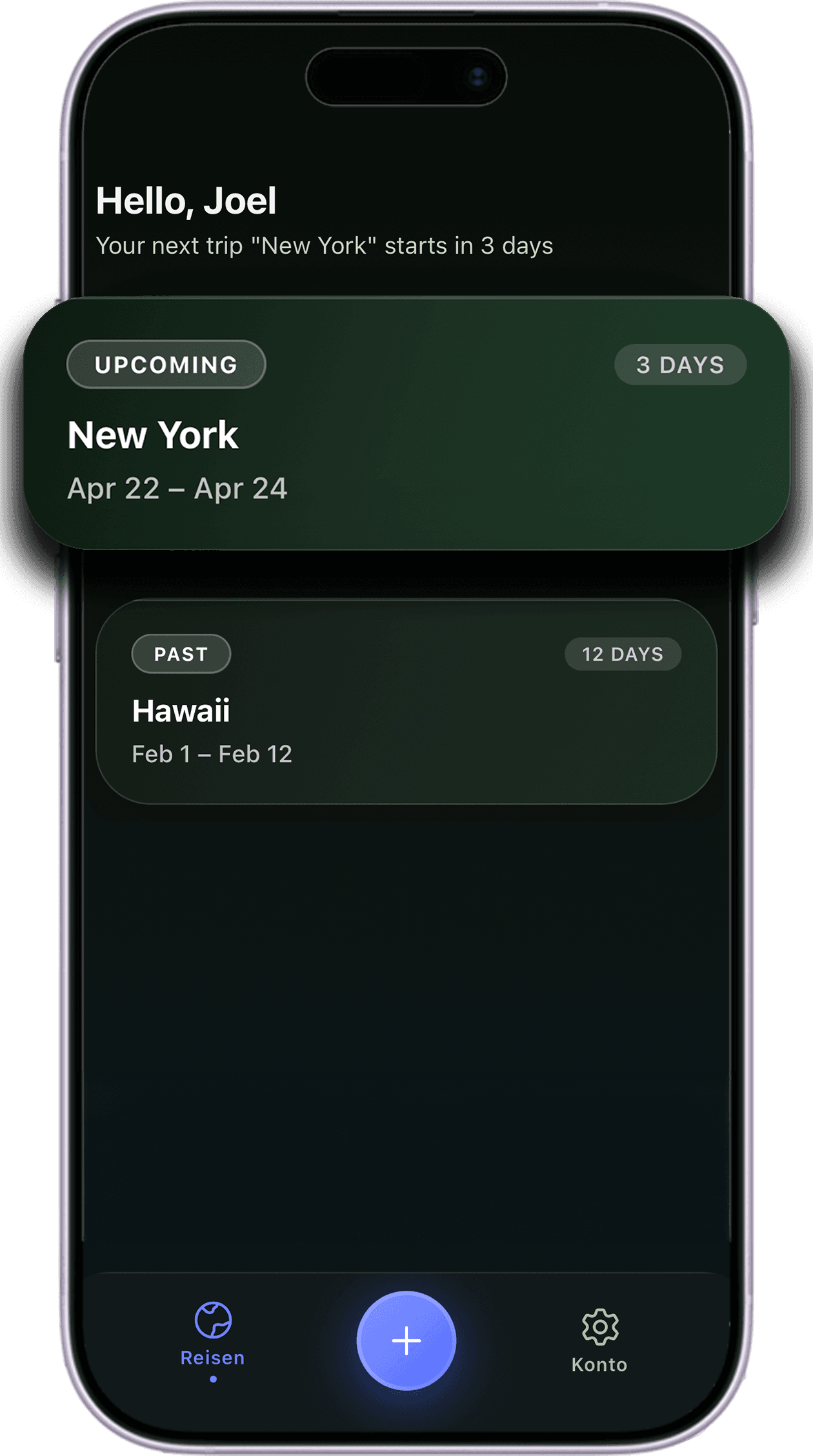
How it works
From booking confirmations to a trip timeline you can rely on while traveling.
Upload a booking
Add a booking confirmation, ticket, or reservation as a PDF, screenshot, or image and attach it to the right trip.
Review AI details
JourneyQ extracts dates, locations, and travel details so flights, trains, hotels, and other steps appear in the right order faster.
Have everything ready when it matters
Open one timeline during the trip and get tickets, check-in details, and the next important information exactly when you need them.
Features
Everything you need to keep your trips under control.
AI document extraction
Upload any travel document — JourneyQ reads dates, locations, booking references, and flight numbers automatically.
Instant Apple Wallet
Turn any ticket PDF into a scannable Apple Wallet pass in seconds.
Weather at every stop
See the weather forecast for each location directly on your timeline.
All transport types
Flights, trains, ferries, hotels, and custom events — one unified view.
Full control
Every AI-detected detail is editable. Add manual events, attach documents, adjust times.
Event reminders
Get notified before departures, check-ins, and transfers so nothing catches you off guard.
Plans
Start free. Go Pro when you need more.
Core benefits
Built for the stressful moments when travel information must be instantly available.
No more switching between email inboxes, PDFs, screenshots, and booking apps while you are already on the move.
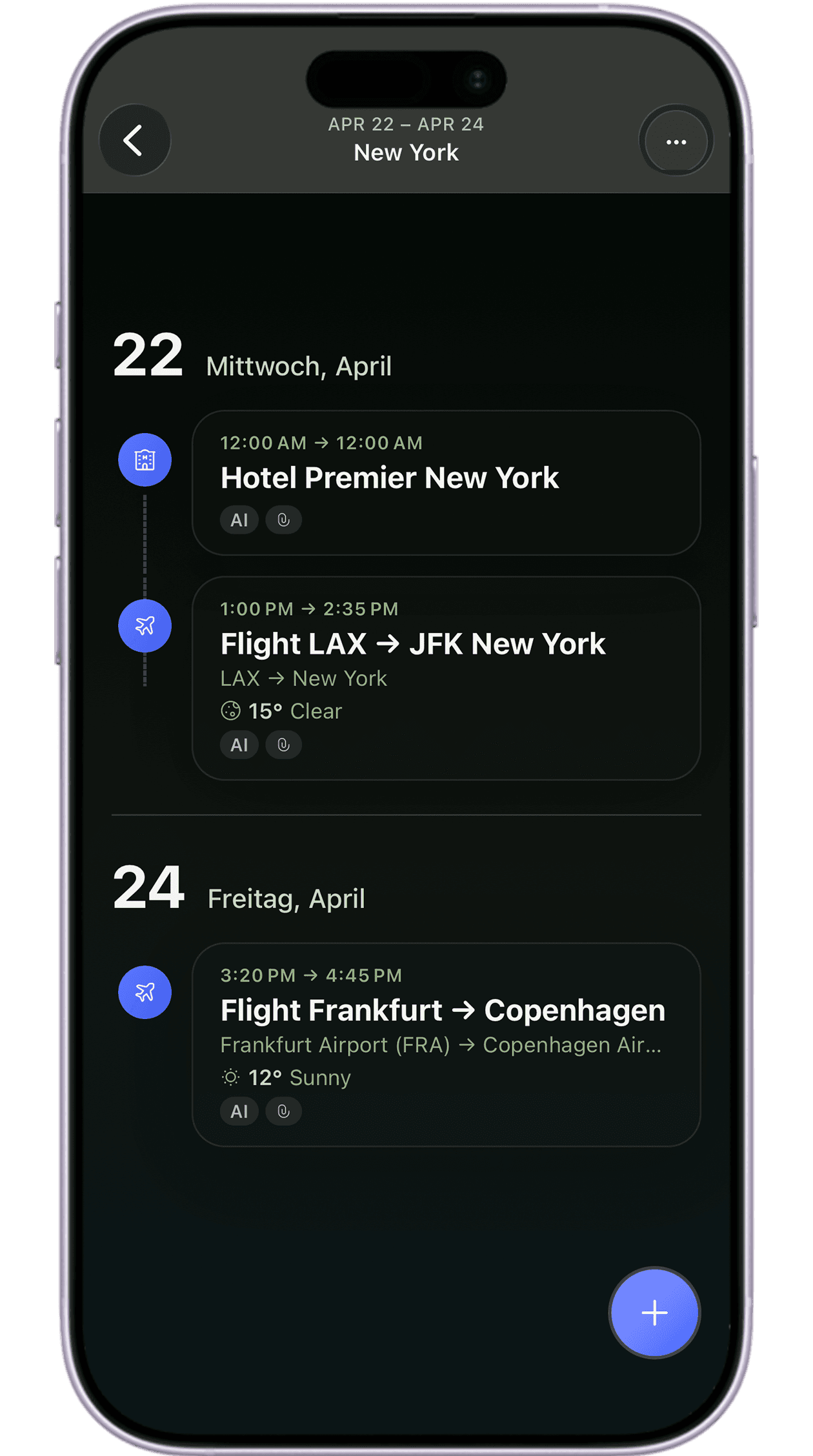
One timeline per trip
Every ticket, stay, transfer, and plan is chronologically sorted so the whole trip stays readable at a glance.
Tickets and details directly at hand
Open the trip and get the right boarding pass, booking detail, or schedule without digging through your inbox.
Less searching, more certainty
JourneyQ reduces the chaos before departures, check-ins, and transfers by keeping the relevant information ready in one place.
Works offline too
Your timeline is always available — even without an internet connection. Access tickets and details anywhere.